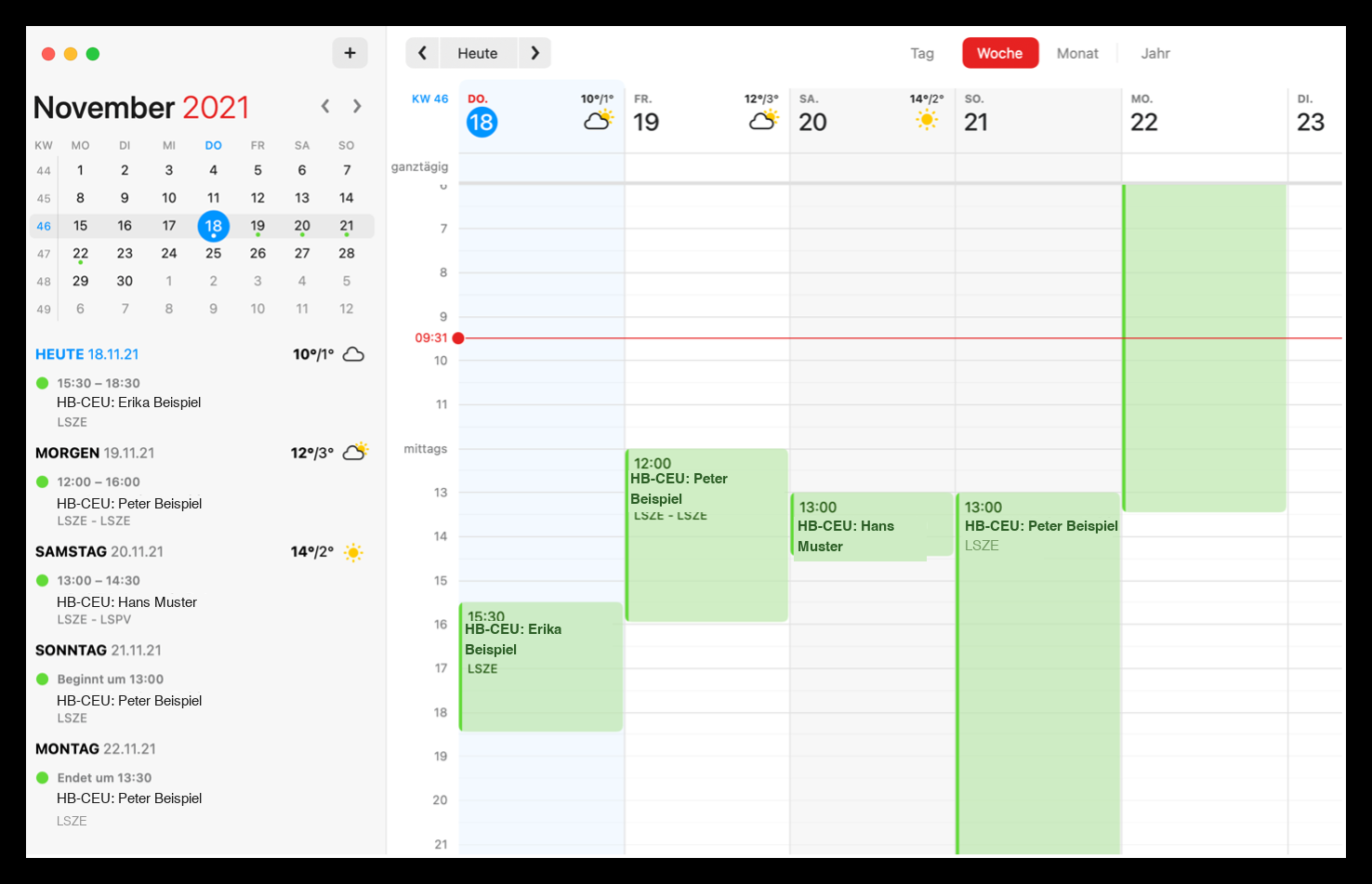
4. Reservations in the Calendar
Every user assigned to an active club can integrate the club's reservations into the calendar application of his mobile device or his computer. The calendar is entered "read only", so you cannot make any adjustments to the reservation via the calendar.
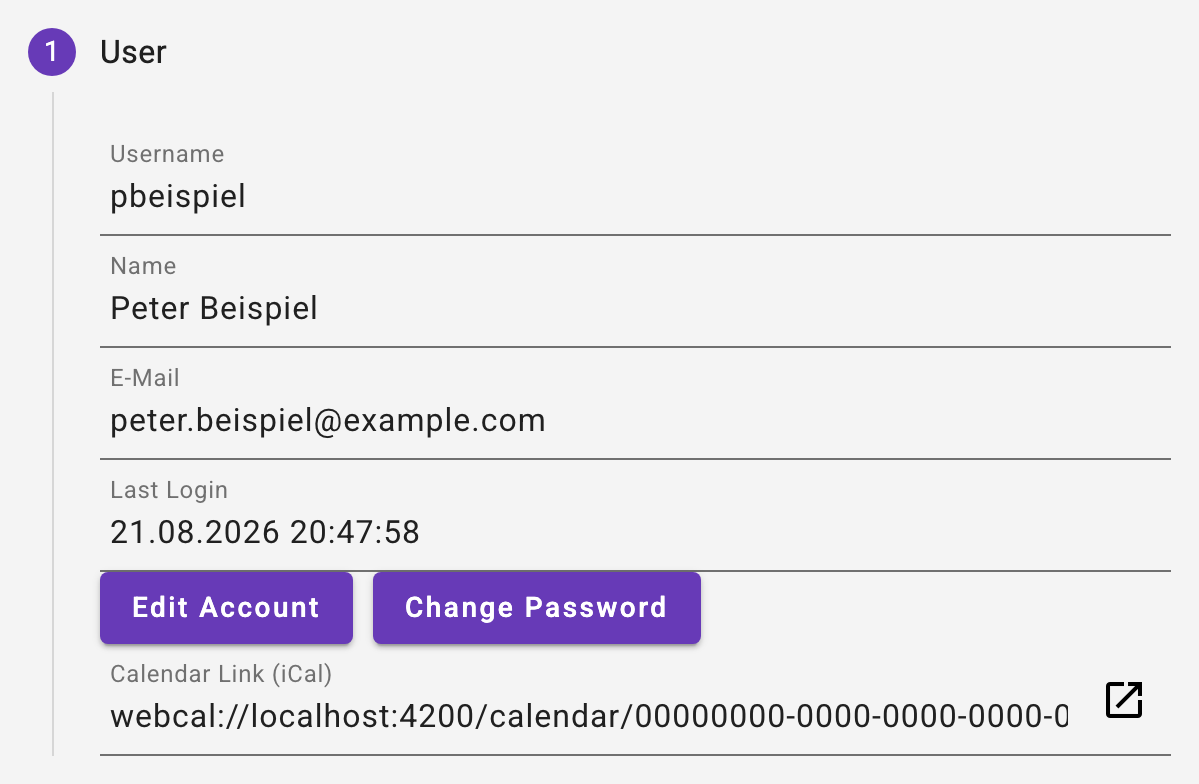
The user can see the corresponding calendar URL in his profile:
In the calendar application of your choice, add a new calendar subscription with this URL. Here is an example with Fantastical on Mac OS:
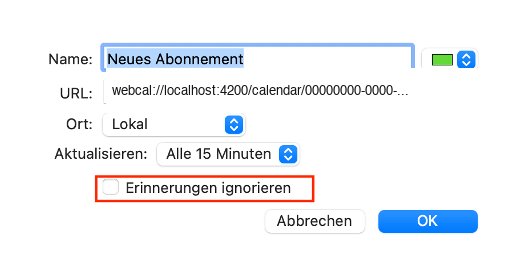
ATTENTION Notes can be ignored for many calendar subscriptions. If this option is selected, you will not receive any reminders for reservations.
Here is an example of a calendar application: