12. Waitlist and Deletion Reason for Reservations
If the desired slot of an aircraft is already reserved, the date is not necessarily lost: you can join the waitlist and move up automatically as soon as the slot becomes available.
12.1 Joining the waitlist
There are two ways:
- While creating a reservation: Create the reservation as usual. If the slot is occupied, the app asks whether you want to join the waitlist - showing who holds the slot and which position you would get.
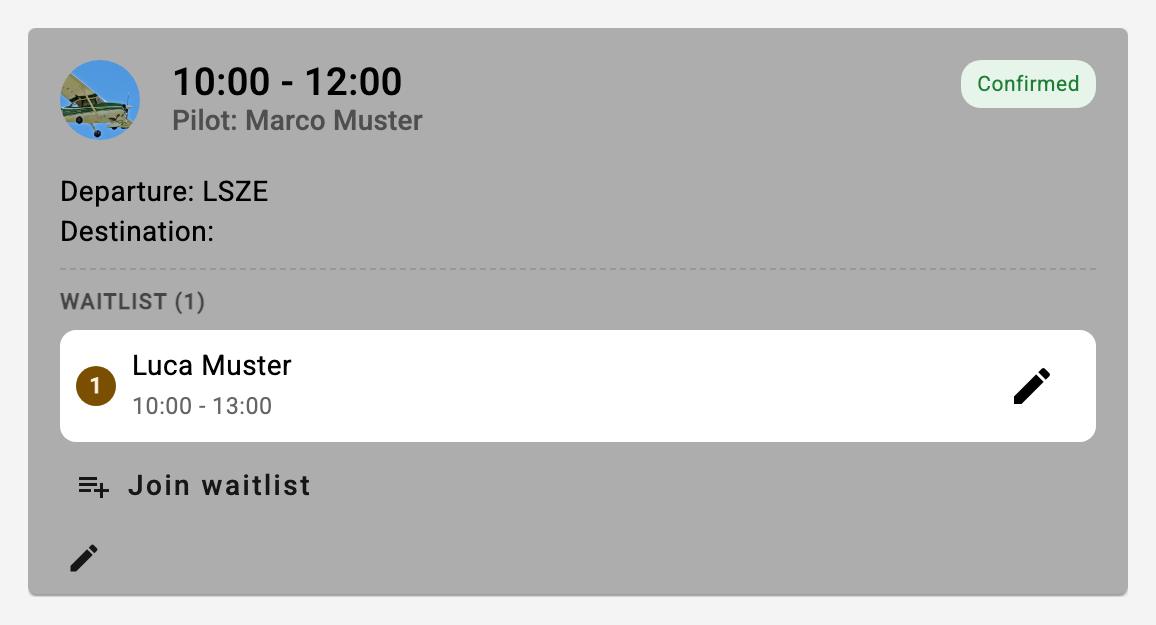
- Directly from the overview: Every future reservation card of another member carries the "Join waitlist" button. It opens the form with the aircraft and slot already filled in; on saving, the same confirmation appears. The reservation dialog that opens when you tap an occupied bar in the availability overview shows the same button (see 16).
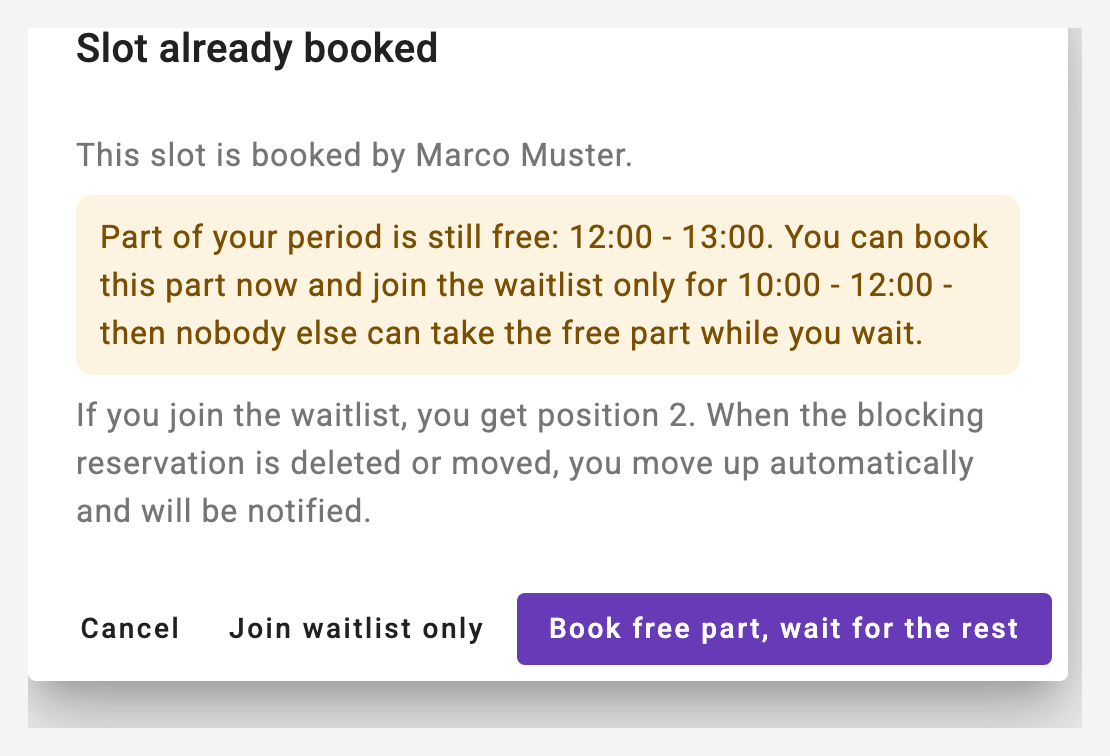
Partially occupied? If your desired period extends beyond the existing reservation (e.g. you want 10:00 - 13:00 and the slot is occupied until 11:00), the dialog additionally offers to book the free part right away and join the waitlist only for the occupied part. This way nobody can take the free part while you wait - once you move up, the two reservations together cover the full period.
The waiting members are visible to everyone - they appear with their position directly inside the occupied reservation card. Your own entry is highlighted and can be edited or removed there.
Good to know: A waitlist entry does not block anything - neither the aircraft nor the instructor. Several members can join the same slot; the order of joining counts.
12.2 Moving up
If the occupying reservation is deleted or moved, the first waiting member whose slot becomes available moves up automatically - the reservation is then confirmed, and you are notified by push and e-mail (the e-mail can be turned off under notifications).
When moving up, all the usual rules apply again: if the chosen instructor is meanwhile booked elsewhere or not available according to the calendar, the reservation becomes provisional and the instructor is asked - exactly like a lesson request (see 10.6). A student pilot can only join the waitlist with an instructor in the first place.
12.3 Deletion reason
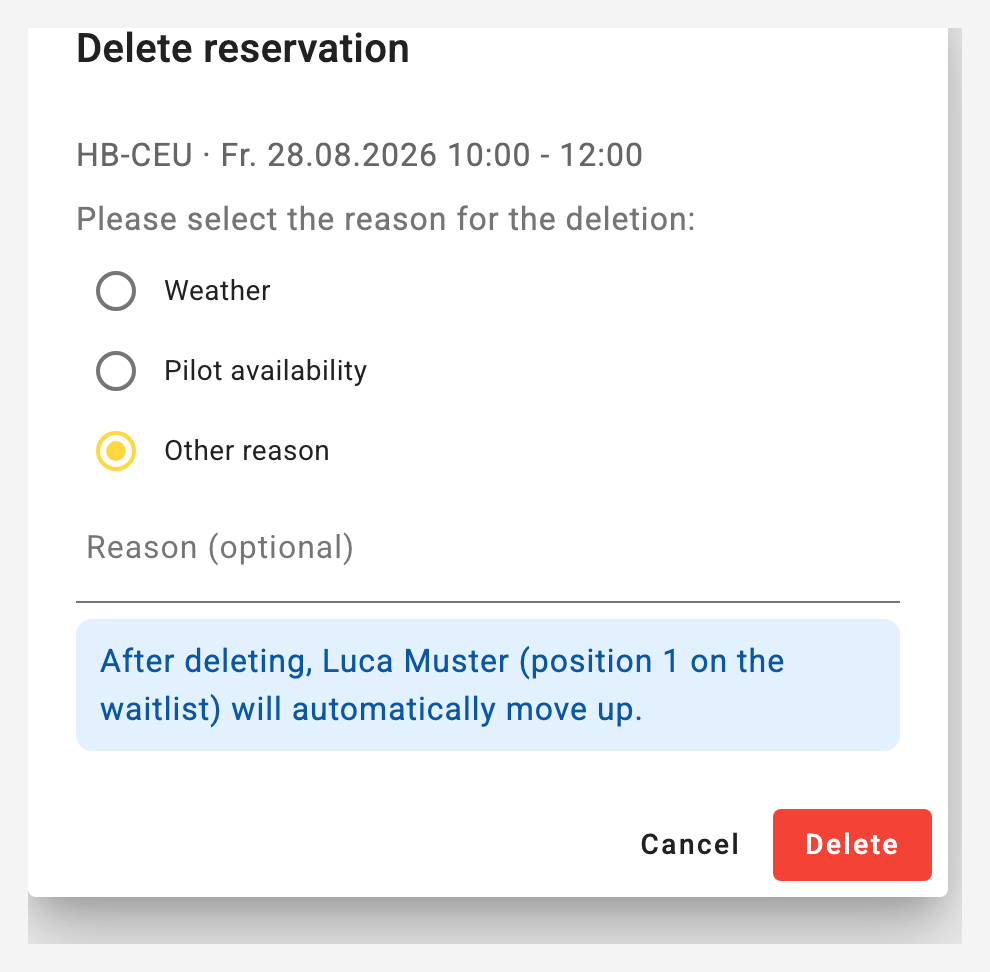
When deleting a reservation, a reason is now selected: Weather, Pilot availability, Instructor availability (only if one was assigned) or Other reason with an optional text. The reason appears in the message to the instructor (push, e-mail) and in the summary of the deleted reservation.
If someone is on the waitlist, the delete dialog shows who will move up - making it easier to decide to release a slot.