
5. Member Role / Classification / Validation
Members are managed under the club. On each member there is a section "Role / Classification".
Roles
There are 3 different roles available:
- Owner: Is the owner/administrator of the club and has at club level the highest authorisation.
- Member: The default role of a member in a club.
- Guest: For guests who wants to charter aircrafts sporadically or just to be at the club.
Classification
A club member has one or more classifications assigned. The following classifications are available:
- Pilot: A pilot can reserve a aircraft for his own without an instructor (Exceptions: see security-rules and validations below).
- Instructor: With this classification a member will be listed as instructor in the reservations mask. an instructor has also the access rights to mark a logbook entry as a check-flight. (see also below under validations).
- Student Pilot: This is the classification for student pilots which requires for every reservation an instructor must be selected.
The classification has also an impact on the price calculation, which is defined per aircraft.
Reservation Validations
At the member level the following validations can be defined:
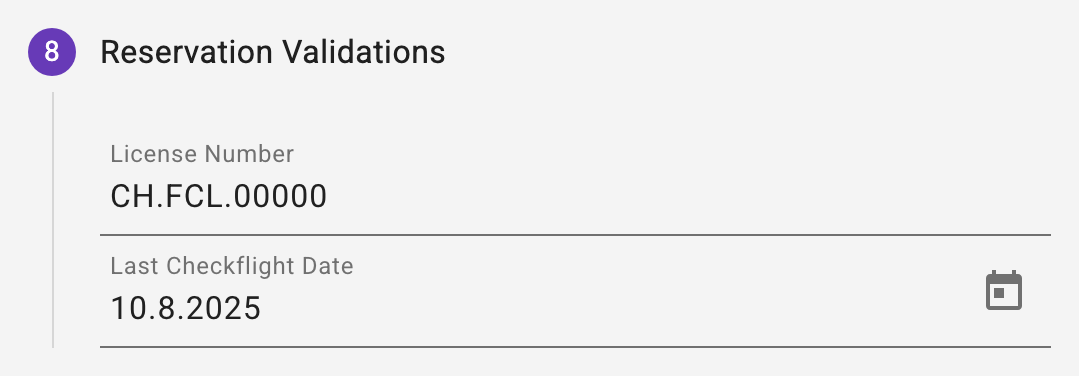
- License Number: This field is just for informational behaviour and not required (it can be empty).
- Last Checkflight Date: The date of the last checkflight with an instructor. Will be adjusted when an instructor marks a lobbook entry as checkflight. Example logbook entry:
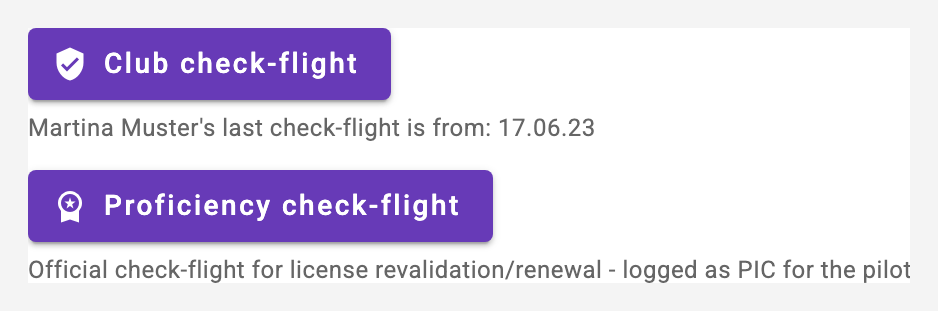 And also here applies, after that date, a reservation can only be created with a selected instructor.
Custom Validations
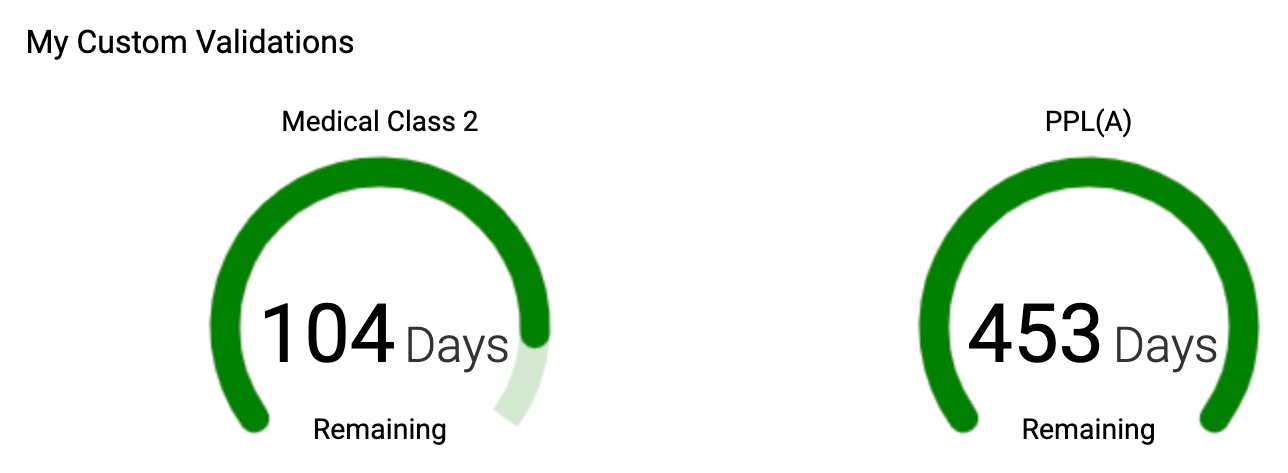
A member can add own custom validations as much as he wants. These validations will not affect reservations and are only for the member itself. These custom validations are displayed in the members dashboard. They are entered in your own member settings (Profile | My memberships | pencil at the club, see 3.4), step "Custom Validations".
Buying and assigning billing packages
The step "Purchased Billing Packages" of the member data lists the member's purchased packages. Below the list a new package can be added:
- Every member can buy a package for themselves: choose the package, "Add Package", confirm. The amount is charged with the next invoice.
- The club owner can assign a package to any member - the amount is charged to the member.
- Removing an assigned package is owner-only (trash icon in the list).
A package already purchased is marked in the selection; buying it again extends it with a new purchase and its own validity period.